Deno Deploy
How to use Sveltekit OG with the Deno adapter (svelte-adapter-deno)
This section details the configuration needed to deploy SvelteKit OG using the Deno adapter (svelte-adapter-deno), targeting the Deno Runtime (Deno Deploy).
Installation
To deploy with deno, you must first install the necessary SvelteKit adapter:
pnpm i -D svelte-adapter-deno
npm i -D svelte-adapter-deno
yarn add -D svelte-adapter-deno
bun add -D svelte-adapter-deno
deno add --dev npm:svelte-adapter-deno
In your svelte.config.js, configure the adapter:
		import adapter from 'svelte-adapter-deno';

const config = {
	 ...,
    kit: {
        adapter: adapter()
    },
    ...
};
export default config;
Plugin Configuration
The image generation uses the @resvg/resvg-wasm, satori, yoga, which relies on a Wasm module. The official SvelteKit OG plugins handle the complex Wasm bundling required for the build/runtime. You must choose one of the following plugins based on your sveltekit-og version.
Vite Plugin (Recommended)
Warning
Vite plugin is available from [email protected]. If you are using v4.0.0 use Rollup plugin.
If you add the plugin while the dev server is running, you might see no generated image. Stop the server and re-start it.
Add the sveltekitOG plugin to your vite.config.ts.
		import { sveltekit } from '@sveltejs/kit/vite';
import { sveltekitOG } from '@ethercorps/sveltekit-og/plugin';
import { defineConfig } from 'vite';

const config = defineConfig({
	plugins: [
		sveltekit(),
		sveltekitOG() // Add the Vite plugin
	]
});

export default config;
Rollup Plugin (Legacy)
Deprecation
Add the rollupWasm plugin inside the rollupOptions block in your vite.config.ts.
		import { sveltekit } from '@sveltejs/kit/vite';
import { rollupWasm } from '@ethercorps/sveltekit-og/plugin';
import { defineConfig } from 'vite';

const config = defineConfig({
	plugins: [sveltekit()],
	build: {
		rollupOptions: {
			// Add rollupWasm plugin for Cloudflare compatibility
			plugins: [rollupWasm()]
		}
	}
});

export default config;
Usage
Once configured, the usage remains the same as any other SvelteKit environment.
Svelte Components: Refer to the Svelte Component usage.
Raw HTML: Refer to the Raw HTML section for usage with string templates.
Preview
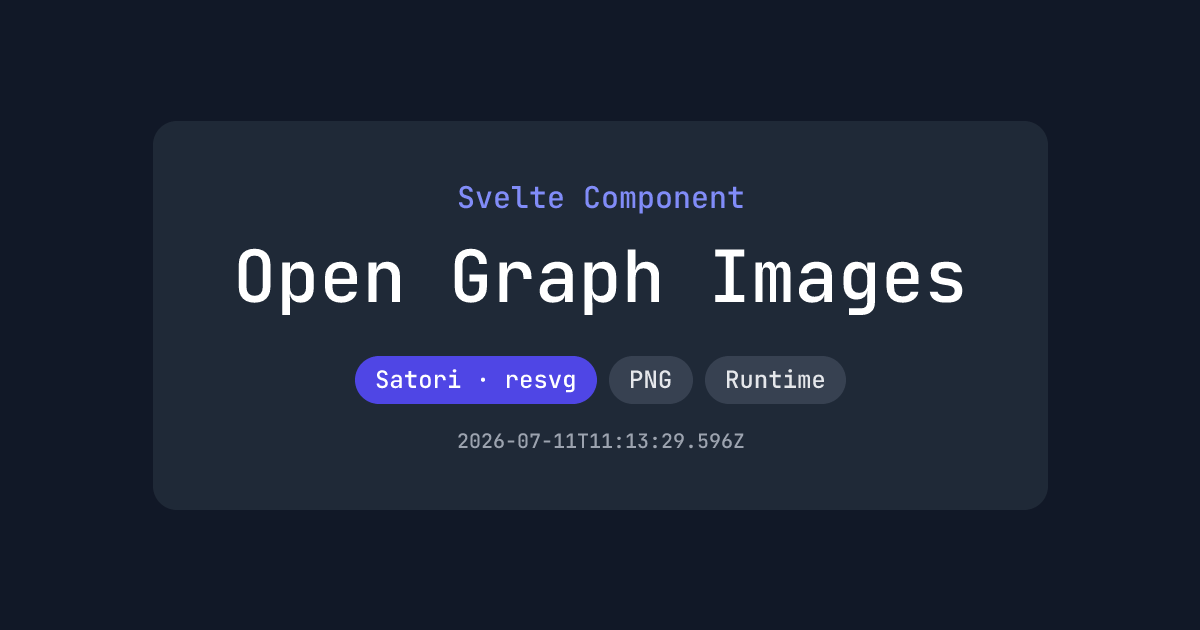
Source: https://github.com/etherCorps/sveltekit-og/tree/main/examples/deno-build
Live: https://deno.sveltekit-og.dev/
Known Issues
Deno throws error when we use vite url imports
		import imagePath from '$lib/assets/JetBrainsMono-Regular.ttf?url';

or;

import imagePath from '$lib/assets/JetBrainsMono-Regular.ttf';
Error:
		NotFound: No such file or directory (os error 2): open '_app/immutable/assets/JetBrainsMono-Regular.Dh36KTnx.ttf'
    at Object.openSync (ext:deno_fs/30_fs.js:543:15)
    at read (file:///app/src/.deno-deploy/handler.ts:55:25)
    at wrapped_read (file:///app/src/.deno-deploy/server/index.js:4390:24)
    at read (file:///app/src/.deno-deploy/server/entries/endpoints/_server.ts.js:142:25)
    at CustomFont.weight [as input] (file:///app/src/.deno-deploy/server/entries/endpoints/_server.ts.js:154:42)
    at fallback (file:///app/src/.deno-deploy/server/entries/endpoints/_server.ts.js:40:74)
    at eventLoopTick (ext:core/01_core.js:179:7)
    at async file:///app/src/.deno-deploy/server/entries/endpoints/_server.ts.js:97:24
    at async Promise.all (index 0)
    at async resolveFonts (file:///app/src/.deno-deploy/server/entries/endpoints/_server.ts.js:96:25)
A prerendered image endpoint — a +server.ts with export const prerender = true that returns an image — is generated at build time and written into the deploy output as a static file (e.g. static/png/prerendered.png). On most hosts this just works, because they serve the static directory straight from the filesystem.
Deno Deploy is different: it serves static assets from an explicit route manifest, not by scanning the filesystem. The current Deno adapter only registers prerendered pages in that manifest — prerendered endpoints (image/asset routes) are written to disk but never added — so the file is orphaned and requesting the route (e.g. /png/prerendered.png) returns a 404.
Until this is fixed upstream, either patch the adapter to also register builder.prerendered.assets in staticFiles (see the patch used by this repo via pnpm patch), or don't prerender image endpoints on Deno — serve them dynamically by dropping export const prerender = true:
		// export const prerender = true; // ← remove on Deno Deploy

export const GET = async () => new ImageResponse(template, { width: 1200, height: 630 });
Satori and Takumi both generate images fast enough at request time. To avoid regenerating on every hit, cache with a Cache-Control header on the response or Deno Deploy's ISR.